


UGREEN Storage
-
UGREEN NASync DH4300 Plus
Regular price From $505.39 AUDSale price From $505.39 AUD Regular priceUnit price per$699.99 AUD -
UGREEN NASync DXP4800 Pro
Regular price From $1,019.99 AUDSale price From $1,019.99 AUD Regular priceUnit price per$1,299.99 AUD -
UGREEN NASync DH2300
Regular price From $303.99 AUDSale price From $303.99 AUD Regular priceUnit price per$399.99 AUD -
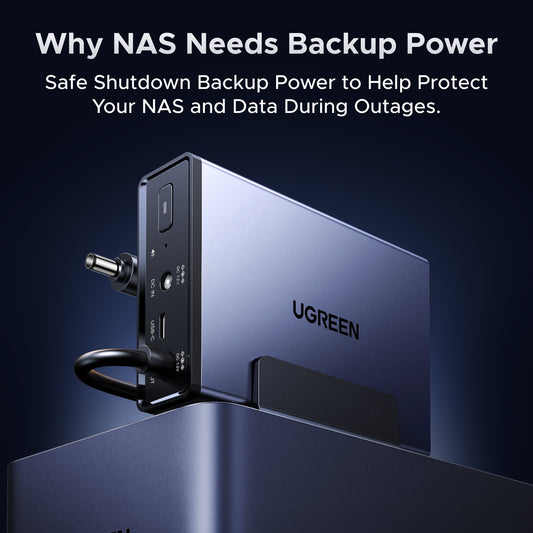
UGREEN NAS UPS3000 120W DC Uninterruptible Power Supply
Regular price $143.99 AUDSale price $143.99 AUD Regular priceUnit price per$179.99 AUD -
UGREEN NASync DXP4800 GT
Regular price From $797.99 AUDSale price From $797.99 AUD Regular priceUnit price per$1,049.99 AUD -
UGREEN NASync DXP2800 GT
Regular price From $639.99 AUDSale price From $639.99 AUD Regular priceUnit price per$799.99 AUD -
UGREEN NAS UPS US2000 72W DC Battery Backup and Surge Protector
Regular price $94.99 AUDSale price $94.99 AUD Regular priceUnit price per$119.99 AUD -
UGREEN iDX6011 32GB 6-Bay AI NAS
Regular price $2,999.99 AUDSale price $2,999.99 AUD Regular priceUnit price per$3,749.99 AUD -
UGREEN iDX6011 Pro 6-Bay AI NAS
Regular price $6,999.99 AUDSale price $6,999.99 AUD Regular priceUnit price per$8,749.99 AUD -
UGREEN iDX6011 64GB 6-Bay AI NAS
Regular price $4,519.99 AUDSale price $4,519.99 AUD Regular priceUnit price per$5,649.99 AUD







Frequently Asked Questions About NAS Storage
The ideal Home NAS depends on how you plan to use it. Important factors include the number of users, the available drive bays for storage capacity and data redundancy, and the processing power required for your tasks — such as media streaming, file sharing, or running multiple applications.
To simplify your decision, we’ve curated a list of top-performing, user-friendly Home NAS models that are perfect for home use.
Explore our recommended Home NAS devices here.
For Plex, choose a NAS based on your streaming needs:
- Home streaming: The DXP2800 GT suits smaller media libraries using Direct Play.
- Larger media libraries: The DXP4800 GT offers four drive bays for expanding storage.
- 4K transcoding: The DXP4800 Pro features an Intel Core i3-1315U processor with integrated graphics for supported hardware-accelerated transcoding.
To reduce NAS noise, place the device on a stable surface with vibration-dampening pads, keep ventilation openings clear, and choose HDDs with lower published noise levels. You can also enable a quieter fan mode in UGOS while monitoring system temperatures, or use SSDs to eliminate mechanical drive noise.
Check the UGREEN HDD/SSD compatibility list before selecting drives.
NAS power consumption varies by hardware and drive activity. For example, UGREEN's published drive-access figures are 13.72W for the DH2300, 22.89W for the DH4300 Plus, and 42.36W for the DXP4800 Pro.
To reduce electricity use, enable drive hibernation where supported and turn off unused applications. Actual power consumption depends on the installed drives and workload.
Choose NAS apps based on what you need:
- Plex: Organise and stream your movies, TV shows, and music.
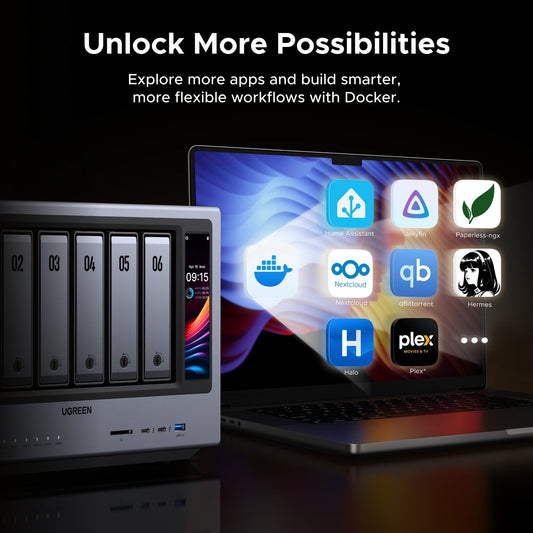
- Docker: Run containerised applications such as Home Assistant and Nextcloud.
- Syncthing: Sync files between your NAS and other devices.
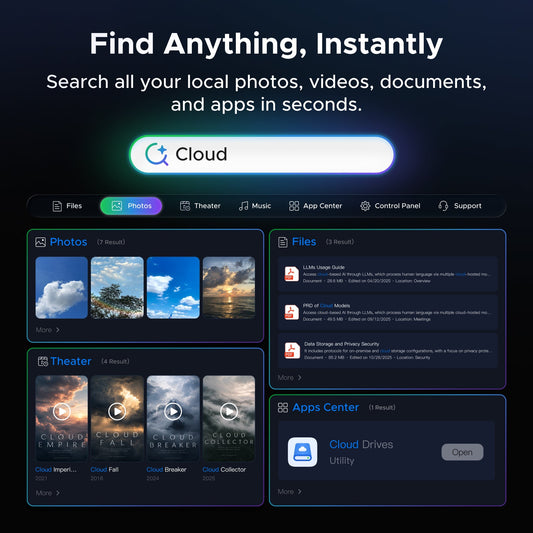
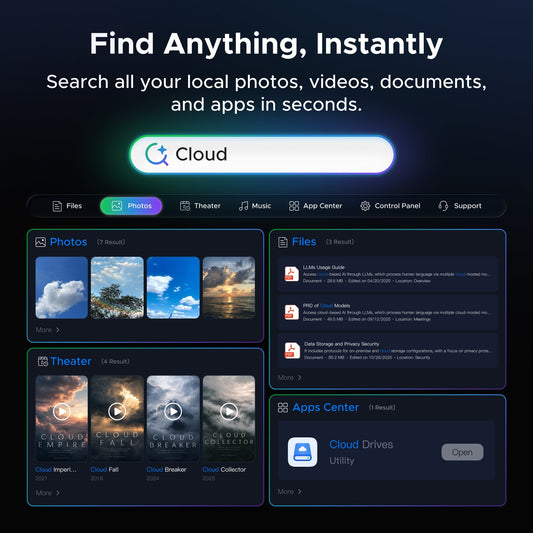
- PhotoPrism: Organise and search your photo library.
- Nextcloud: Manage, share, and sync personal files.
Explore our NAS apps for more information.
Network-attached storage (NAS) is a dedicated file storage solution that connects to a local area network (LAN), allowing multiple users and devices to access and share files seamlessly. It combines hardware and software with protocols like NFS, SMB, or AFP to enable centralized file sharing. NAS devices, which can be scaled up by adding more storage drives, often support redundant storage configurations like RAID for data integrity. Managed through a browser-based utility, NAS systems provide fast, secure, and reliable storage services, making them ideal for both home and enterprise environments where efficient file sharing and data management are crucial.
Read more: What is NAS Storage?
NAS devices connect to an existing local area network (LAN), typically via Ethernet. They use file-sharing protocols like NFS and SMB to allow multiple users to access stored data simultaneously. See more: How Does NAS Work?
Yes, you can access your NAS storage remotely through several methods, each with different levels of security and ease of use:
VPNs
Most secure method using either built-in NAS VPN services or router VPN capabilities.
- Pros: Highest security level
- Cons: More complex setup
Port Forwarding
Direct connection method that requires router configuration.
- Pros: Fastest connection speeds
- Cons: Requires technical knowledge, potentially less secure if not properly configured
The best method depends on your needs: choose VPN for security, or port forwarding for speed.
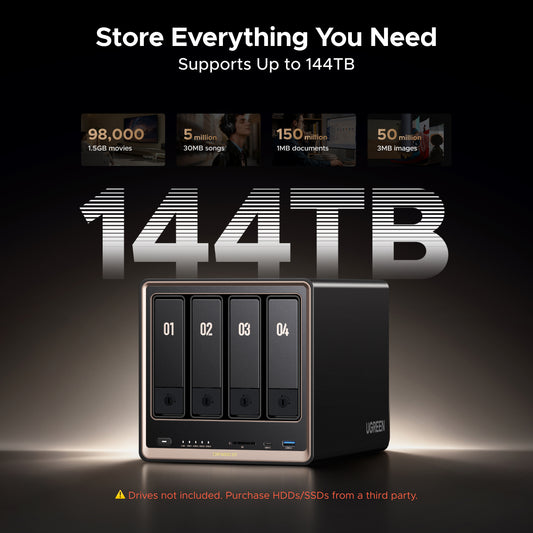
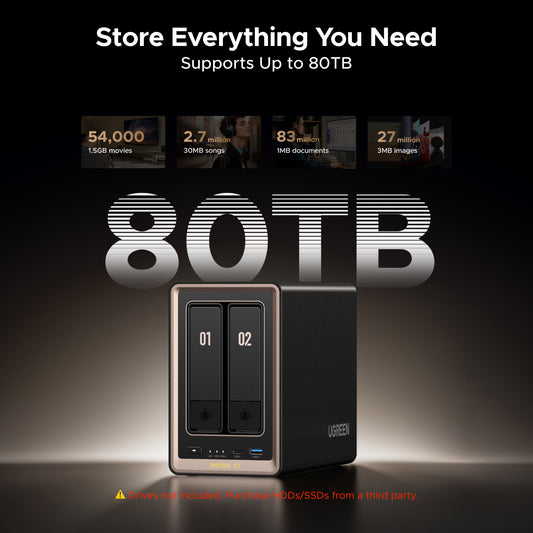
NAS storage devices come in various capacities, ranging from a few terabytes to hundreds of terabytes, depending on the model and number of drive bays. For example, selected UGREEN NAS models offer maximum raw storage capacities of 64TB with the DH2300, 80TB with the DXP2800 GT, 128TB with the DH4300 Plus, and 144TB with the DXP4800 GT. Actual usable capacity depends on the installed drives and RAID configuration.
NAS storage devices offer different maximum capacities depending on the model, drive bays, and supported storage configuration. For example, the UGREEN NAS range includes 64TB with the DH2300, 80TB with the DXP2800 GT, 128TB with the DH4300 Plus, and 144TB with the DXP4800 GT. These figures represent maximum raw storage capacities, not usable storage after RAID configuration.
NAS offers faster local access, one-time costs, and complete control over your data, while cloud storage provides off-site backup and easier remote access. Read more: NAS vs Cloud Storage.
RAID (Redundant Array of Independent Disks) is a technology that combines multiple drives to improve performance, provide data redundancy, or both, depending on the RAID level. RAID 1, 5, 6, and 10 can provide protection against certain drive failures, but RAID does not replace a separate backup.
Yes, a NAS can be used to host media server applications such as Plex and Emby, while Kodi can access media files stored on the NAS over the local network. Plex offers free and paid features for organising and streaming media, and Emby provides similar media server functionality.
For 4K playback or multiple simultaneous streams, check whether your devices support Direct Play or require transcoding. The UGREEN NASync DXP4800 Pro features a 13th Gen Intel Core i3-1315U processor and supports media transcoding. Actual playback performance depends on video formats, transcoding requirements, network conditions, and the number of concurrent streams.